Design your CV right in your browser.
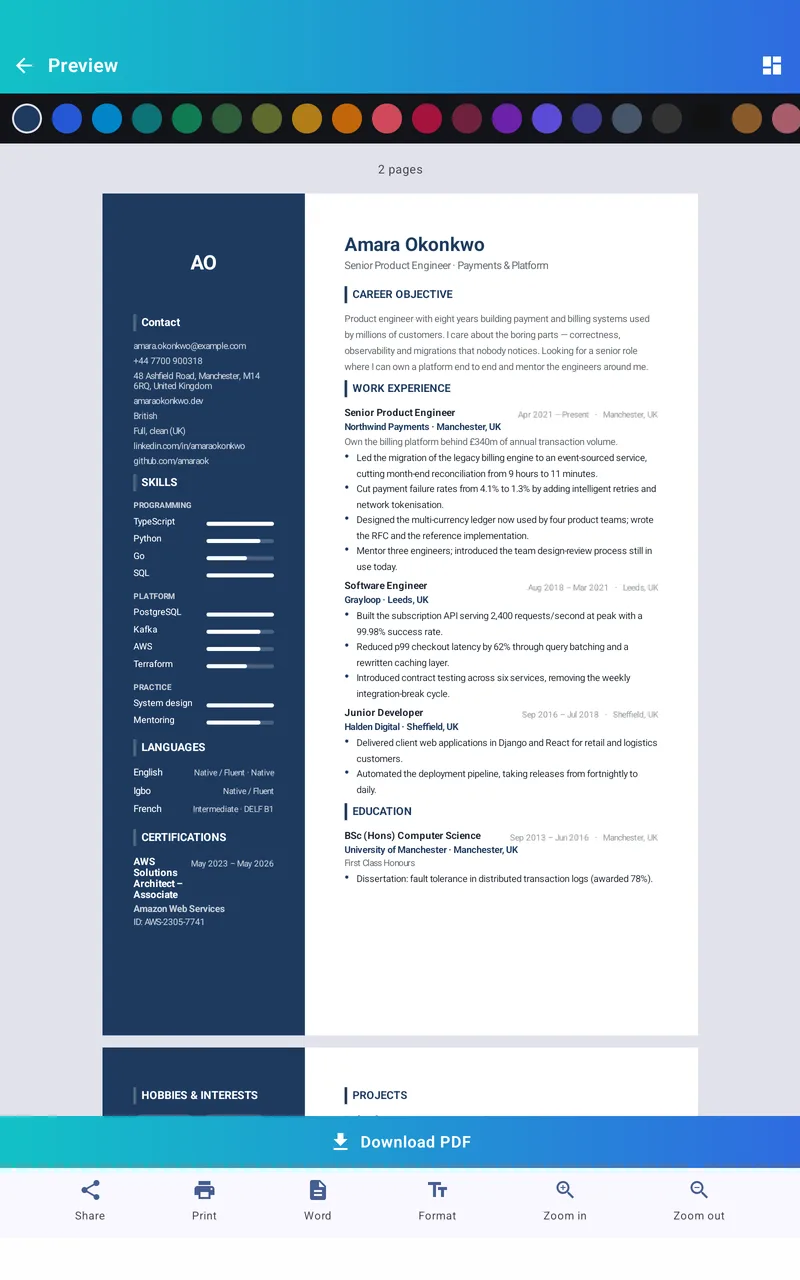
Zero installation, zero sign-up, and zero cloud uploads. The full CV Maker layout engine — 70 vector templates, side-by-side live preview, 14 recruiter checks, and instant PDF & Word (.docx) export — running locally in your browser.
Choose how you want to start
Every workflow launches immediately in your browser with no account required.
Guided Setup Wizard
Fill in your name, contact info, qualification, and latest role in 5 quick steps and pick a starting design.
Start from Sample CV
Load a complete example CV to test all 70 templates, colour palettes, CV score checks, and exports right away.
My CVs & Backup Import
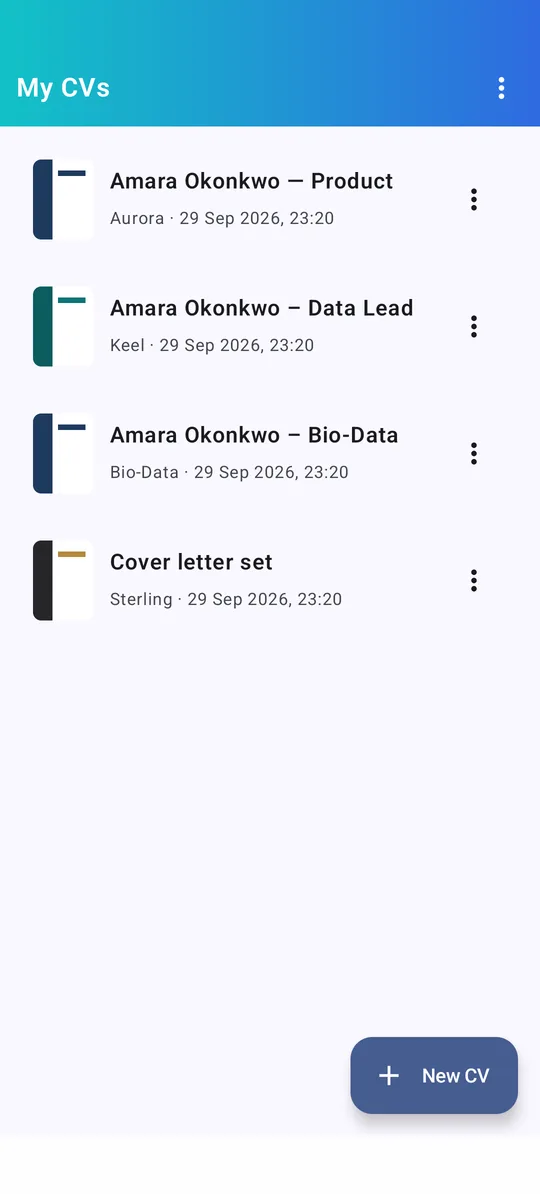
Open your saved browser library or import a .json backup file exported from the Android app.
Everything from the Android app — in your browser
Ported directly from the native Kotlin renderer so every page looks identical across Android and Web.
All 70 Templates Free
Every single design — executive, modern sidebar, ATS single-column, and Indian bio-data tables — is unlocked out of the box on the web.
Vector Print-to-PDF
Uses your browser's native print engine to generate crisp vector PDFs with selectable text at exact A4 or US Letter dimensions.
In-Browser Word (.docx)
Generates real Microsoft Word .docx files directly in your browser tab for ATS portals and recruiters.
14-Point CV Score
Real-time recruiter audit checking contact completeness, measurable outcomes, action verbs, and page length.
Android ↔ Web Sync
Shares the exact same JSON backup format with the Android app. Export on your phone and continue editing on your laptop.
Offline PWA Ready
Service worker caches the app shell on your first visit so you can keep editing and exporting even without Wi-Fi.
Start on your phone, finish on your laptop
The web version and the Android app share the exact same document schema, 70 template IDs, and backup format.
- Export a
.jsonbackup from the Android app or Web app - Import it with one click in My CVs → Menu → Import CV or backup
- Switch between 21 languages with full RTL layout and SVG rendering
- Also available on Google Play for Android phones and tablets
Zero servers. 100% in your browser.
When you use CV Maker on the web, your CVs, cover letters, and photos are stored exclusively in your browser's local IndexedDB storage. Nothing you type is ever sent to a server.
Ready to build your CV?
Launch the web builder right now in your browser, or get the Android app on Google Play.